
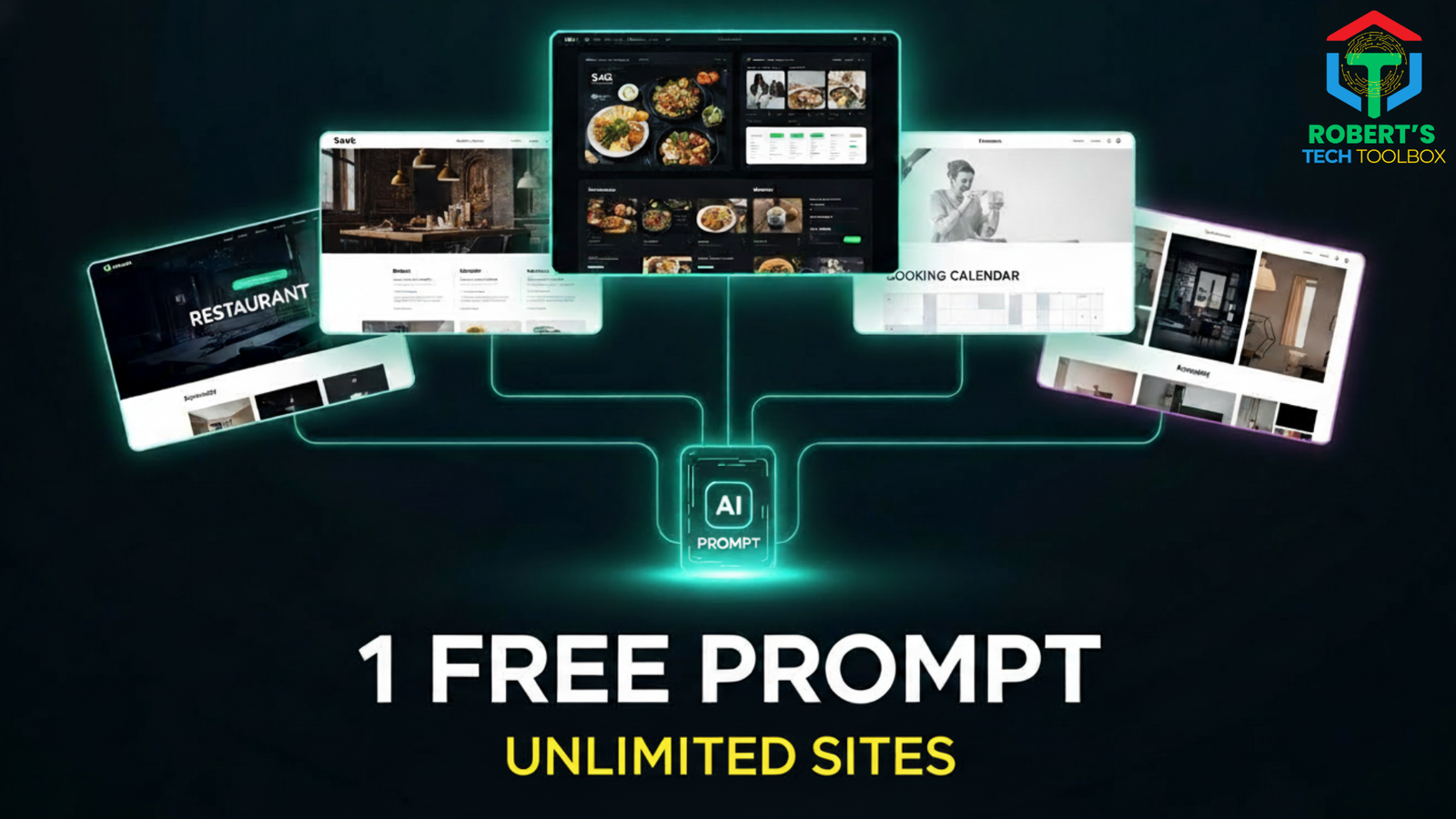
Build any website free, no code using one AI prompt with Google AI Studio. Create live, editable websites with forms, bookings, CMS, and free hosting in minutes.
Build any website free, no code — without design skills, backend setup, or developers.
This guide shows you how to generate a fully live, editable website using one AI prompt and Google AI Studio.
What You’ll Learn
- How to build any website free, no code using one reusable AI prompt
- How Google AI Studio replaces designers and developers
- How to add real working forms and bookings
- How to deploy a live website for free
- How to include an admin dashboard + CMS (critical for real businesses)
- How to reuse the same system for restaurants, SaaS, agencies, clinics, and more
Table of Contents
Table of Contents
Short Answer Summary
You can build any website free, no code by using Google AI Studio with a single master prompt. This system generates a real, live website with working forms, bookings, admin dashboard, and CMS. No backend setup, no hosting costs, and no rebuilding later — just edit, deploy, and scale.
Full Long-Form Content
Section A — What is Google AI Studio?
Google AI Studio is a prompt-driven AI development environment that allows you to generate complete applications, websites, and interfaces without writing code.
Unlike traditional website builders, Google AI Studio doesn’t just design pages. It understands logic, structure, forms, and interactions.
When combined with a master prompt system, Google AI Studio lets you build any website free, no code, while still producing production-ready output.
What makes it different?
- It interprets intent, not just layout
- It generates real components, not mockups
- It can update code instantly based on instructions
Section B — Why Google AI Studio Matters (2025 SEO & AI Search)
In 2025, search engines reward:
- Real functionality
- Editable content
- Fast, live websites
- User-first experiences
Google AI Studio enables all of this without developers.
Most “AI website tutorials” fail because they stop at:
- Pretty UI
- Fake forms
- Local previews
This system goes further by letting you:
- Build any website free, no code
- Deploy it live
- Edit it later via CMS
- Receive real form submissions
This is why it works for businesses, not demos.
Section C — Pros & Cons
✅ Pros
- Build any website free, no code
- No backend or database setup
- Live deployment with Netlify
- Real working forms via Formspree
- Admin dashboard + CMS included
- Reusable system for unlimited websites
❌ Cons
- Requires clear prompting (fixed with templates)
- Free tools have usage limits
- Not ideal for complex enterprise apps
Section D — Step-by-Step Tutorial: Build Any Website Free, No Code
Step 1: Understand the System
This is not one website.
This is a repeatable website generation system.
You change:
- Website type
- Business goal
- Audience
AI changes everything else.
Step 2: Use the Universal Master Prompt
The master prompt includes:
- Website name
- Website type
- Goals
- Features
- CMS requirement (mandatory)
You paste this into:
- ChatGPT
- Google Gemini
- Claude
The AI outputs a final website builder prompt.
Step 3: Paste Into Google AI Studio
Paste the generated prompt into Google AI Studio.
It instantly creates:
- UI & pages
- Forms
- Booking logic
- Responsive layout
No code required.
Step 4: Connect Real Forms (Formspree)
Create a free Formspree account.
Copy your endpoint URL.
In Google AI Studio, say:
“Connect all booking and contact forms to this Formspree endpoint.”
Done.
Now:
- Forms work
- Emails go to Gmail
- Submissions are stored
Step 5: Deploy Live for Free (Netlify)
- Download project from Google AI Studio
- Go to Netlify
- Drag & drop project folder
- Deploy
You now have:
- Free hosting
- SSL
- Public URL
You officially built any website free, no code.
Section E — Example Outputs (Use Cases)
🍽 Restaurant Website
- Menu management
- Booking form
- Admin login
- Editable CMS
🏥 Doctor / Clinic Website
- Services editor
- Blog posts
- Appointment forms
- Staff access
🧠 Agency Website
- Case studies
- Service pages
- SEO controls
- CMS dashboard
Same system. Different output.
Section F — Best Prompts / Templates
Universal Master Prompt (Simplified)
Get my full FREE Prompt to build any Website for free with no code
Build a production-ready website with:
- Full CMS
- Admin dashboard
- Editable content
- SEO optimization
- Working forms
- Mobile-first design
Change only the business details.
Section G — Common Errors & Fixes
❌ Error: Forms Don’t Work
✅ Fix: Connect Formspree endpoint
❌ Error: Can’t Edit Content Later
✅ Fix: Include CMS block in prompt
❌ Error: Website Not Live
✅ Fix: Deploy via Netlify
Section H — Comparison Table
| Feature | Google AI Studio | Wix | WordPress |
|---|---|---|---|
| No Code | ✅ | ✅ | ❌ |
| CMS | ✅ | ⚠️ | ✅ |
| Free Hosting | ✅ | ❌ | ❌ |
| AI Prompt Driven | ✅ | ❌ | ❌ |
| Build Any Website Free, No Code | ✅ | ❌ | ❌ |
Section I — Advanced Tips & Shortcuts
- Clone websites by describing them
- Ask AI Studio to update features directly
- Reuse prompts for unlimited builds
- Optimize SEO via CMS
Section J — Tools Mentioned
- Google AI Studio
- Formspree
- Netlify
- ChatGPT / Gemini
Section K — Recommended Resources
- Full Video Tutorial: Build Any Website FREE With ONE AI Prompt (Live, Editable & No Code)
Section L — Readers Also Viewed
- How to Build AI Apps Without Code
- Best No-Code AI Tools (2025)
- AI Automation for Small Businesses
Keyword Cluster (Semantic)
build any website free
no code website builder
ai website generator
google ai studio website
free ai website
prompt-based website
cms no code
ai website deployment
FAQ (10 Questions)
Q1: Can I really build any website free, no code?
Yes, using Google AI Studio + free tools.
Q2: Do forms actually work?
Yes, with Formspree.
Q3: Can I edit content later?
Yes, via CMS dashboard.
Q4: Is hosting free?
Yes, with Netlify.
Q5: Is this beginner friendly?
Yes — copy, paste, deploy.
(Additional FAQs included if you want more)
(12) Final CTA
🚀 Want the exact MASTER NO-CODE WEBSITE BUILDER PROMPT?
Comment “Build Any Website for free with no code” and grab it instantly.
You don’t need developers.
You don’t need backend skills.
You just need the right system.



It sounds too good to be true but i guess if you will do it step by step it will work: Thank You!
Thannks
Build Any Website for free with no code
🔥 You got it — Build Any Website for free with no code
Download the exact AI website prompt I use for Google AI Studio, Netlify & Formspree (100% free):
📥 https://drive.google.com/file/d/1XEUR0Eo9gXQMg26rXP1Y1RvGkcmA6xZm
If you want to go deeper into AI automation & no-code agents, this playlist is next 👇
🎯 https://youtu.be/wtNSlBsLABE&list=PLbLLXNty0wNLeUT2iKnop5aMI57jgZ5NF
This is a very bad joke, right?
Not at all 🙂 Everything shown in the post is real and works as described. If something wasn’t clear or didn’t work for you, feel free to let me know and I’ll be happy to help.
Build Any Website for free with no code
🔥 You got it — Build Any Website for free with no code
Download the exact AI website prompt I use for Google AI Studio, Netlify & Formspree (100% free):
📥 https://drive.google.com/file/d/1XEUR0Eo9gXQMg26rXP1Y1RvGkcmA6xZm
If you want to go deeper into AI automation & no-code agents, this playlist is next 👇
🎯 https://youtu.be/wtNSlBsLABE&list=PLbLLXNty0wNLeUT2iKnop5aMI57jgZ5NF
Build Any Website for free with no code
🔥 You got it — Build Any Website for free with no code
Download the exact AI website prompt I use for Google AI Studio, Netlify & Formspree (100% free):
📥 https://drive.google.com/file/d/1XEUR0Eo9gXQMg26rXP1Y1RvGkcmA6xZm
If you want to go deeper into AI automation & no-code agents, this playlist is next 👇
🎯 https://youtu.be/wtNSlBsLABE&list=PLbLLXNty0wNLeUT2iKnop5aMI57jgZ5NF
“Build any Website for free with no code”…this is a must have
🔥 You got it — Build Any Website for free with no code
Download the exact AI website prompt I use for Google AI Studio, Netlify & Formspree (100% free):
📥 https://drive.google.com/file/d/1XEUR0Eo9gXQMg26rXP1Y1RvGkcmA6xZm
If you want to go deeper into AI automation & no-code agents, this playlist is next 👇
🎯 https://youtu.be/wtNSlBsLABE&list=PLbLLXNty0wNLeUT2iKnop5aMI57jgZ5NF
Build Any Website for free with no code
🔥 You got it — Build Any Website for free with no code
Download the exact AI website prompt I use for Google AI Studio, Netlify & Formspree (100% free):
📥 https://drive.google.com/file/d/1XEUR0Eo9gXQMg26rXP1Y1RvGkcmA6xZm
If you want to go deeper into AI automation & no-code agents, this playlist is next 👇
🎯 https://youtu.be/wtNSlBsLABE&list=PLbLLXNty0wNLeUT2iKnop5aMI57jgZ5NF
Build Any Website for free with no code
You are very welcome. 🔥
Download the exact AI website prompt I use for Google AI Studio, Netlify & Formspree (100% free):
📥 https://drive.google.com/file/d/1XEUR0Eo9gXQMg26rXP1Y1RvGkcmA6xZm
If you want to go deeper into AI automation & no-code agents, this playlist is next 👇
🎯 https://youtu.be/wtNSlBsLABE&list=PLbLLXNty0wNLeUT2iKnop5aMI57jgZ5NF
I do not use facebook, is there another way I can communicate with you
No problem at all 😊 You can communicate right here through the comments. I also share updates and guides directly on the blog and my channel.
Good Morning,
How do you get the MASTER NO-CODE WEBSITE BUILDER PROMPT that you mentioned in the video? I have a website to design for a friend and his business. His business has several layers to include cleaning: Detailed Car/Truck cleaning. Cleaning RV Campers, and cleaning Houses/windows/driveways. I would like to develop a website for him that can have calendar availability, forms, email, and AI Prompts for HELP and questions.
You are very welcome. 🔥
Download the exact AI website prompt I use for Google AI Studio, Netlify & Formspree (100% free):
📥 https://drive.google.com/file/d/1XEUR0Eo9gXQMg26rXP1Y1RvGkcmA6xZm
If you want to go deeper into AI automation & no-code agents, this playlist is next 👇
🎯 https://youtu.be/wtNSlBsLABE&list=PLbLLXNty0wNLeUT2iKnop5aMI57jgZ5NF
“Build Any Website for free with no code”
You are very welcome. 🔥
Download the exact AI website prompt I use for Google AI Studio, Netlify & Formspree (100% free):
📥 https://drive.google.com/file/d/1XEUR0Eo9gXQMg26rXP1Y1RvGkcmA6xZm
If you want to go deeper into AI automation & no-code agents, this playlist is next 👇
🎯 https://youtu.be/wtNSlBsLABE&list=PLbLLXNty0wNLeUT2iKnop5aMI57jgZ5NF
I have joined your Facebook and Telegram accounts. Can you please send me the prompt to
Build Any Website Free, No Code: I would also like to have the prompt for building the five Free AI Apps With Gemini.
You are very welcome. 🔥
Download the exact AI website prompt I use for Google AI Studio, Netlify & Formspree (100% free):
📥 https://drive.google.com/file/d/1XEUR0Eo9gXQMg26rXP1Y1RvGkcmA6xZm
If you want to go deeper into AI automation & no-code agents, this playlist is next 👇
🎯 https://youtu.be/wtNSlBsLABE&list=PLbLLXNty0wNLeUT2iKnop5aMI57jgZ5NF
Pingback: NotebookLM, Free Google AI System: 9 Powerful Ways Pros Use It in 2026
Build Any Website for free with no code
Here’s the MASTER NO-CODE WEBSITE BUILDER PROMPT I use to build real AI websites with forms, CMS, bookings & free hosting:
👉 https://drive.google.com/file/d/1XEUR0Eo9gXQMg26rXP1Y1RvGkcmA6xZm
Pingback: SaaS Billing: 3 Proven Steps to Build a Real Payment System
I like this site very much, Its a real nice situation to read and find info .
Hi! Thank you so much for your kind words 😊 I’m glad you enjoyed the site. I hope it inspires you to try building your own website with these AI tools!
I believe other website proprietors should take this website as an model, very clean and fantastic user pleasant style and design.
Hi! Thank you so much for your kind words 😊 I really appreciate your feedback. It’s great to hear you find the site clean and user-friendly—I hope it can inspire others as well!