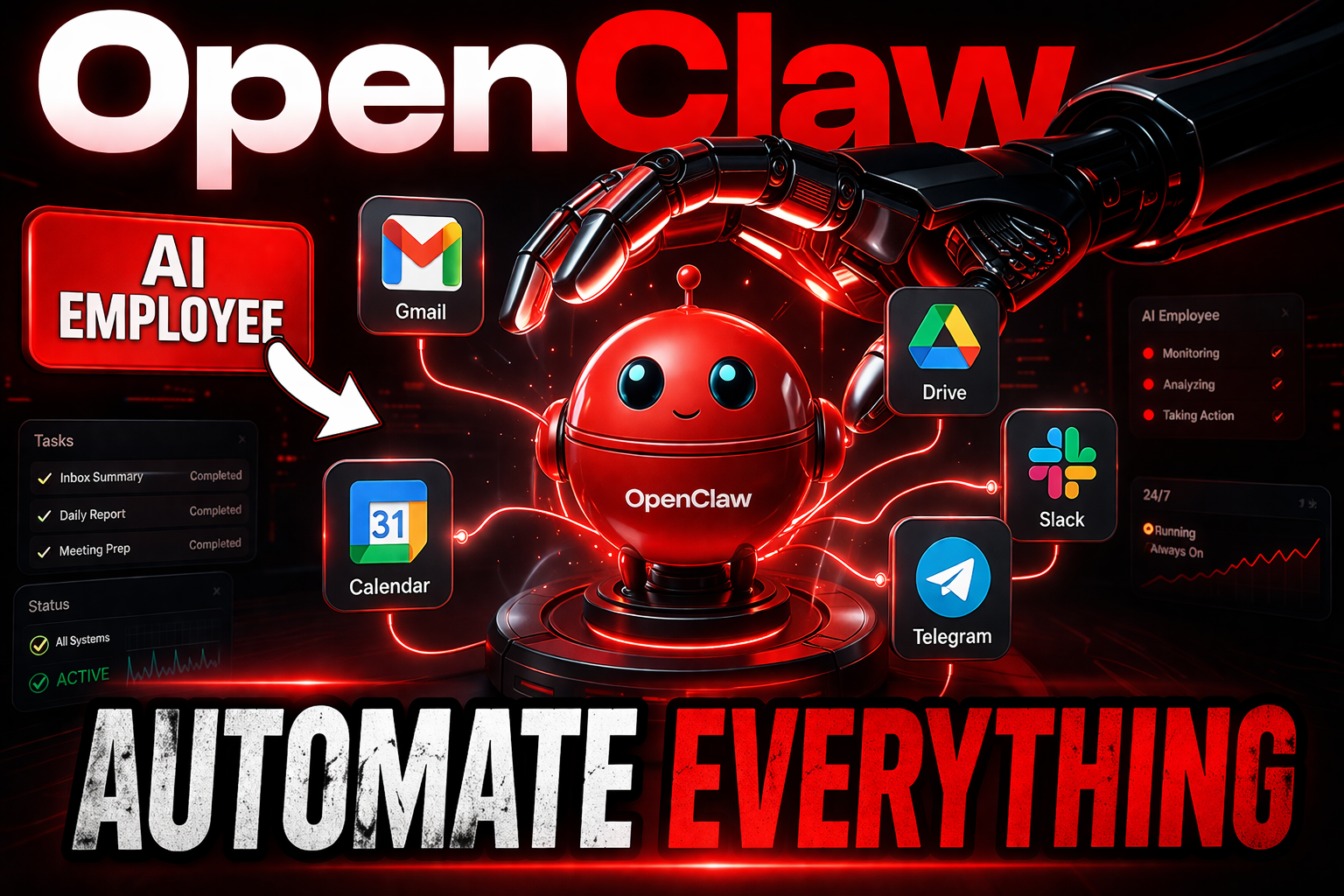
OpenClaw is the ultimate AI employee platform. Learn how to set up OpenClaw, automate workflows, and build a powerful AI agent system step-by-step.
Quick Summary
OpenClaw is a next-generation AI agent platform that allows you to build a 24/7 AI employee capable of automating decisions, workflows, and digital tasks. This guide walks you through setup, security, real-world automations, and how to scale your system like a pro.
🚀 Start Your AI Employee Today
🔥 Try OpenClaw Here → 1-Click OpenClaw Setup
💡 Special offer: Instant setup + 20% OFF
OpenClaw is not just another AI tool — it’s your first real AI employee that works 24/7 without supervision.
Most tools wait for you.
OpenClaw doesn’t.
It monitors, decides, and acts — even while you sleep.
And here’s the shift most people don’t understand yet:
👉 This isn’t about automating tasks anymore.
👉 It’s about automating decisions.
Once you understand that, everything changes.
What You’ll Learn
- What OpenClaw actually is (simple explanation)
- How to build your first AI employee step-by-step
- How to automate real workflows (no coding)
- How to secure your system properly
- Real-world examples you can copy instantly
- Advanced tips to scale your AI automation system
Table of Contents
Table of Contents
What Is OpenClaw? (AI Agent Explained)
OpenClaw is an advanced AI agent platform that allows you to build a fully autonomous AI employee capable of working continuously without human input.
Unlike tools like ChatGPT that only respond to prompts, OpenClaw actively performs actions.
🔹 What Makes OpenClaw Different?
Most AI tools are reactive.
OpenClaw is proactive.
It doesn’t wait — it operates.
🔹 Core Capabilities
- Monitors incoming data (emails, messages, trends)
- Makes decisions based on rules and memory
- Executes actions automatically
- Learns your preferences over time
- Connects multiple tools into one system
🔹 The Memory System (Game-Changer)
OpenClaw stores intelligence inside structured files:
- Agents.md → Defines roles
- Soul.md → Defines behavior
- User.md → Stores preferences
- Tools.md → Controls permissions
This creates a persistent AI personality.
Unlike traditional AI… it remembers and evolves.
Why OpenClaw Is Worth It (AI Automation Advantage)
OpenClaw is worth it because it replaces multiple tools with a single intelligent system.
Instead of juggling:
- Calendar
- Task managers
- Automation tools
You build one AI employee that handles everything.
🔥 Key Benefits
1. True 24/7 Automation
Your assistant never sleeps.
It runs on a server and works continuously.
2. Decision-Based Automation
Instead of fixed workflows, it decides what matters.
3. Multi-AI Flexibility
You’re not locked into one model.
Switch between AI providers anytime.
4. Centralized Control
Everything runs through one system.
5. Scalable System
Start simple → expand into advanced automation later.
OpenClaw Pros & Cons
✅ Pros
- No coding required
- Works 24/7
- Powerful automation engine
- Flexible AI model support
- Highly customizable
- Mobile integration (Telegram)
- Scales from beginner to advanced
❌ Cons
- Initial setup required
- API usage costs
- Learning curve for advanced features
- Requires proper security setup
- Over-automation can increase costs
Step-by-Step Tutorial (How to Use OpenClaw)
Step 1: Choose Where to Run OpenClaw
You have 3 options:
- Laptop (not recommended)
- Mac Mini (expensive)
- VPS (best option)
👉 VPS is ideal because:
- Always online
- Secure
- Affordable
- Easy to reset
Step 2: Deploy OpenClaw (1-Click Setup)
- Choose a hosting provider
- Select OpenClaw template
- Click Deploy
No coding. No Docker setup.
Step 3: Connect AI Model
- Choose provider (GPT, Claude, Gemini)
- Add API key
- Enable web search
Without this step, your assistant won’t function.
Step 4: Connect Telegram
- Open Telegram
- Search BotFather
- Create bot
- Copy API token
- Paste into OpenClaw
Now your AI employee lives in your pocket.
Step 5: Secure Your System (CRITICAL)
Set guardrails:
- Ask before sending emails
- Ask before deleting files
- Limit runtime
- Stop infinite loops
⚠️ Never connect:
- Banking apps
- Password managers
- Primary email
Step 6: Create Your First Automation
Example:
“Send me daily news briefing at 7 AM”
That’s it.
🚀 Launch Your AI Employee Now
🔥 Activate OpenClaw → 1 Click OpenClaw Installation
Real Examples & Results
📧 Smart Email Filter
Scans inbox → sends only urgent emails.
📊 Trend Monitoring Agent
Tracks YouTube trends overnight → delivers ideas daily.
🎙 Voice Command Assistant
Send voice message → reschedules meetings + writes emails.
📰 Daily Briefing System
Automated global news summary every morning.
🧠 Interview Prep Automation
Reads calendar → researches company → prepares notes.
Best Use Cases for OpenClaw
🔰 Beginners
- Daily reminders
- News automation
🎥 Content Creators
- Trend research
- Script ideas
- Content planning
🏢 Agencies
- Client updates
- Task automation
📈 Businesses
- Workflow automation
- Decision-making systems
- Productivity scaling
OpenClaw Pricing Review
💰 Cost Breakdown
| Component | Cost |
|---|---|
| VPS Hosting | Low monthly |
| AI API | Usage-based |
| Setup | Free (via templates) |
Free vs Paid
| Feature | Free | Paid |
|---|---|---|
| Basic automation | ✔ | ✔ |
| Advanced AI models | ✖ | ✔ |
| Scaling workflows | ✖ | ✔ |
OpenClaw vs Competitors
| Feature | OpenClaw | Zapier | ChatGPT |
|---|---|---|---|
| AI Agent | ✔ | ✖ | ✖ |
| Automation | ✔ | ✔ | ✖ |
| Decision-making | ✔ | ✖ | ✖ |
| 24/7 Operation | ✔ | ✔ | ✖ |
| Memory System | ✔ | ✖ | ✖ |
⚡ Limited-Time Offer
🔥 Start OpenClaw Today 67% OFF + 20% OFF by my code → OpenClaw
⏳ Save with current promotion
Alternatives to OpenClaw
- Zapier → Basic automation
- Make.com → Visual workflows
- AutoGPT → Experimental AI agent
- LangChain → Developer framework
- ChatGPT → Conversational AI
Common Mistakes & Fixes
❌ Connecting too many tools
✔ Start with 1–2 integrations
❌ Ignoring security
✔ Add guardrails immediately
❌ Overusing Heartbeat
✔ Use Cron jobs instead
❌ No clear workflow
✔ Define one goal first
Advanced Optimization Tips (Scale Like a Pro)
Once you understand the basics, this is where OpenClaw becomes powerful.
🔥 1. Model Routing
Assign different AI models for different tasks.
Example:
- GPT → writing
- Claude → analysis
🔥 2. Parallel Agents
Run multiple sub-agents at once.
🔥 3. Workflow Chains
Combine multiple skills into one automation.
🔥 4. Memory Optimization
Continuously refine:
- Soul.md
- User.md
Final Verdict — Is OpenClaw Worth It?
Yes — and it’s not even close.
OpenClaw is one of the most powerful ways to build a real AI employee today.
If you:
- Want automation
- Want scalability
- Want leverage
This is the tool.
🚀 Final CTA
🔥 Build Your AI Employee → OpenClaw on Hostinger
💡 Includes full setup + templates
Readers Also Liked
- How to Build 3 Free AI Apps With No Code
- Build Your Own n8n AI Agent — Unlimited Workflows, Run 24/7
Keyword Cluster
openclaw tutorial, ai employee setup, ai agent platform, ai automation tools, openclaw guide, ai workflow automation, ai assistant setup, automation ai system, ai agent examples, ai productivity tools, ai workflow system, openclaw review, ai agent tutorial, ai automation beginner guide, ai assistant automation
FAQ
What is OpenClaw?
An AI agent platform that automates workflows and decisions.
Is OpenClaw beginner-friendly?
Yes, with guided setup.
Does it require coding?
No.
Can it run 24/7?
Yes.
Is it safe?
Yes, if configured correctly.
What AI models does it support?
GPT, Claude, Gemini, and more.
Can it automate emails?
Yes.
Can I use it on mobile?
Yes via Telegram.
How much does it cost?
Depends on hosting and usage.
Is it better than Zapier?
For AI automation, yes.